

Logos and templates
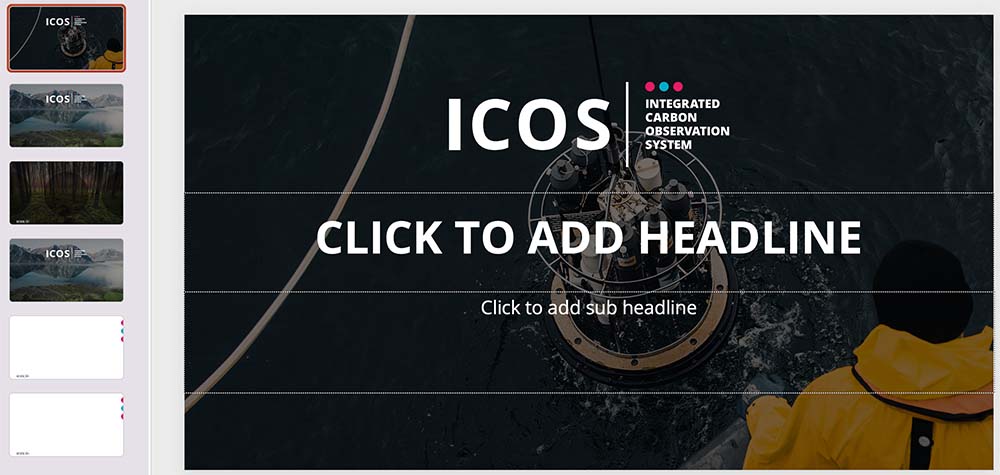
On this page you can access and download the ICOS logos, and Word and PowerPoint templates.
If you have questions regarding the use of the resources, please contact us by email: icos-comms (at) icos-ri.eu
Word and PowerPoint templates
Please note that the templates are available only for registered users of ICOS Nextcloud – ICOS Fileshare system.
> Download the ICOS Word template here (path: ICOS RI groupdisk >Communications > Logos, templates, graphic guidelines)
> Download the ICOS PowerPoint template here (path: ICOS RI groupdisk >Communications > Logos, templates, graphic guidelines)
Logos
Use of the ICOS logo is primarily intended for ICOS partner institutions and projects advancing ICOS scientific goals. By default, the logo is not intended for any promotional purposes. If you have any questions about using the ICOS logo, please send an email to icos-comms (at) icos-ri.eu.
ICOS logo can be used either in Color version, in Black, or in Negative. The logo can also be used in White Color version, in which the text is white, but the dots are still colored.
White Color and Negative versions are to be used on top of picture background, or on top of dark or bright colour backgrounds. Do not use Black or Color versions on top of pictures or on top of dark or very bright color surfaces. When using the logo, leave sufficient empty area around the logo, at least half of the height of the logo itself.
The ICOS logo is also available in other formats (for screen / print), please contact us by email: icos-comms (at) icos-ri.eu